Real Estate Security Systems: A Practical Guide to Selection, Cost, and Compliance
Introduction: Why Security Systems Matter in Real Estate
Security systems have become a critical feature for both residential and commercial real estate properties. As crime rates fluctuate and tenants’ expectations evolve, property owners and managers can no longer afford to overlook robust security measures. Beyond safeguarding assets and occupants, a well-chosen security system enhances property value, attracts quality tenants, and reduces liability exposure. However, the landscape is crowded with options—ranging from basic alarm panels to sophisticated integrated solutions with remote access, video analytics, and automated emergency responses. Budgeting for installation and ongoing costs, understanding compliance requirements, and selecting the right features for your property type can be daunting. This comprehensive guide breaks down the practical considerations for real estate owners and managers, from evaluating your unique needs to navigating insurance incentives and legal obligations. Whether you’re upgrading an existing system or planning security for a new investment, you’ll find actionable insights to make informed decisions that protect your property, your tenants, and your bottom line.
Assessing Your Property’s Security Needs
Property Type and Location
The first step in selecting a security system is to evaluate the specific risks and requirements of your property. High-density urban multifamily complexes have different vulnerabilities compared to suburban single-family rentals or commercial office buildings. Consider:
- Neighborhood Crime Statistics: Review local police data and community reports for trends in break-ins, vandalism, or package theft.
- Building Layout: Properties with multiple entrances, underground parking, or shared amenities may require broader coverage.
- Tenant Demographics: Families, students, and senior residents may have distinct security concerns and expectations.
Asset and Liability Assessment
Determine what you’re protecting—physical property, tenant safety, or sensitive data (for commercial tenants). Factor in liability risks, such as inadequate lighting or malfunctioning locks, which can result in legal action if an incident occurs.
Insurance Requirements
Consult your insurance provider regarding minimum security standards. Some policies require specific features (e.g., monitored alarms, surveillance cameras) for coverage eligibility or to qualify for premium discounts.
Types of Security Systems for Real Estate
Monitored vs. Unmonitored Systems
- Monitored Systems: Connect to a professional monitoring center that can dispatch emergency services automatically when alarms are triggered. Higher upfront and ongoing costs, but stronger deterrence and response.
- Unmonitored (Self-Monitored) Systems: Alert property owners or residents via smartphone notifications. Lower cost, but emergency response depends on user action.
Core Components
- Intrusion Sensors: Door/window contacts, glass-break detectors, and motion sensors to detect unauthorized access.
- Video Surveillance: Networked cameras (CCTV or IP-based) for real-time and recorded monitoring. Placement should cover entry points, parking, and common areas.
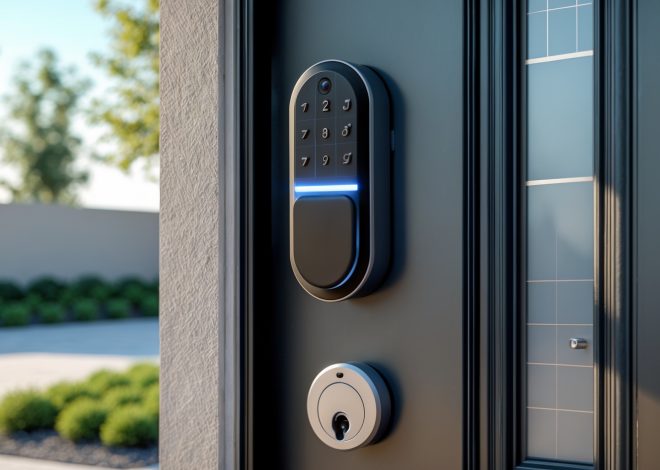
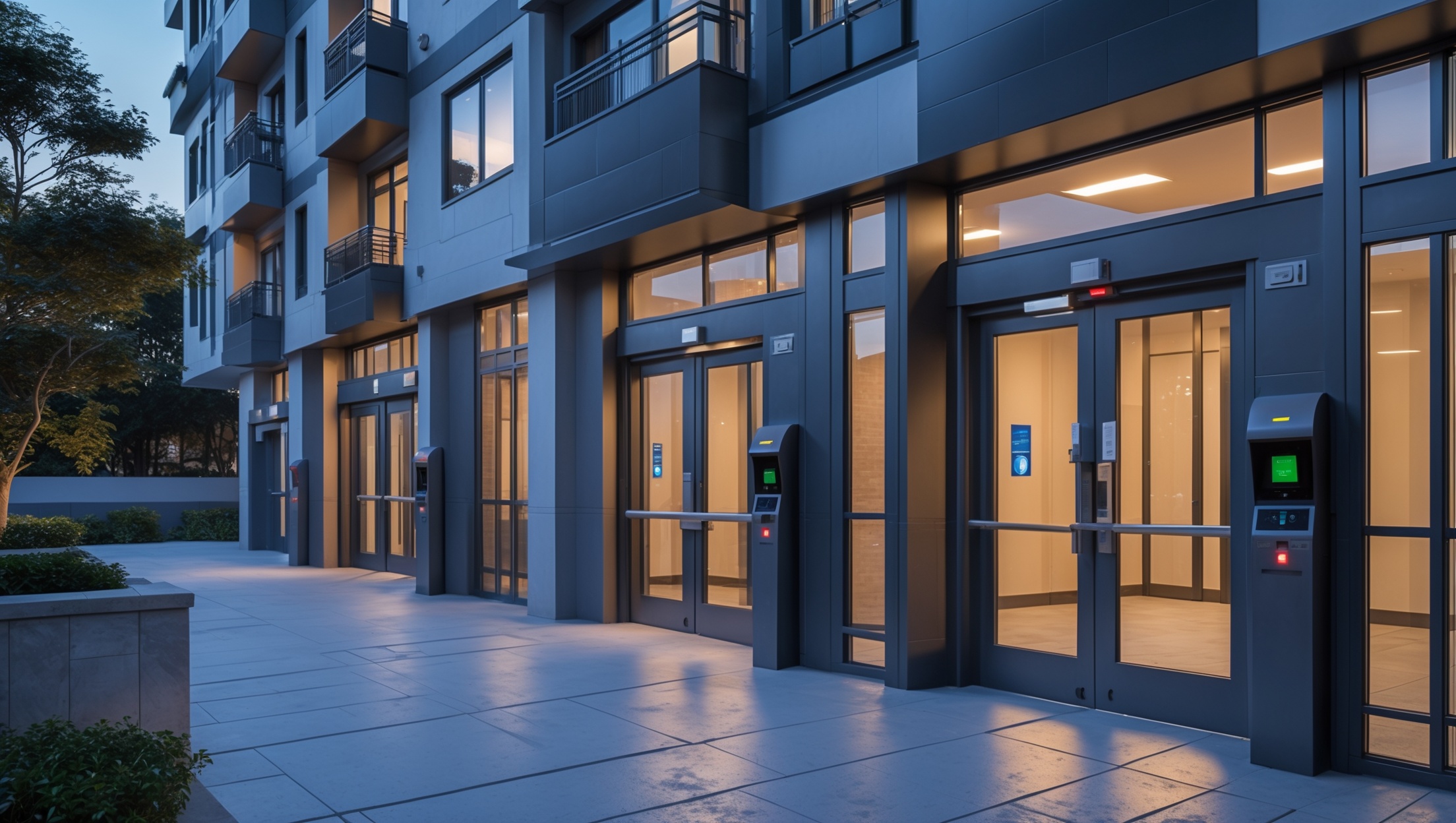
- Access Control: Keycard systems, keypad locks, or mobile app-based entry to manage who can enter specific areas.
- Environmental Sensors: Devices that detect smoke, carbon monoxide, flooding, or temperature extremes. (Note: For compliance, some sensors may be legally required, but this guide focuses on security rather than fire or environmental hazards.)
- Alarm Panels and Notification Devices: Central hubs and sirens to alert occupants and/or monitoring centers.
Smart Security Integrations
Modern systems often include remote access via mobile apps, cloud storage for video, and integration with building automation platforms. Evaluate compatibility with existing property management software or smart devices.
Cost Breakdown: Upfront and Ongoing Expenses
Initial Installation Costs
- System Equipment: Cameras ($50–$400 each), sensors ($20–$80 each), access control hardware ($150–$500 per door), alarm panels ($200–$800).
- Professional Installation: Labor costs vary by property and system complexity—expect $500–$2,500 for a typical multifamily setup.
- Wiring and Infrastructure: Older buildings may need electrical upgrades or new cabling for hardwired systems ($300–$2,000+).
Ongoing Costs
- Monitoring Fees: Professional services charge $20–$60/month per property; discounts available for multi-property portfolios.
- Maintenance: Annual inspections, firmware updates, and occasional part replacements ($100–$500/year).
- Cloud Storage: Video retention fees for IP cameras ($5–$30/month per camera, depending on resolution and storage duration).
Hidden and Long-Term Expenses
- False Alarm Fines: Many municipalities fine property owners for repeated false alarms—check local ordinances.
- Equipment Upgrades: Technology evolves rapidly, so budget for replacement or upgrades every 5–10 years.
- Insurance Premium Impact: Savings from insurance discounts may offset some costs; consult your agent for specifics.
Legal and Regulatory Compliance
Local Security Ordinances
Some cities mandate minimum security measures for rental properties or commercial buildings. Examples include:
- Required deadbolt locks or window bars in high-crime areas.
- Security camera placement restrictions to avoid privacy violations (e.g., no cameras in bathrooms or inside units).
- Alarm registration with police or fire departments.
Check with your local building department or housing authority before installation and annually thereafter for updates.
Tenant Notification and Consent
In most jurisdictions, landlords must notify tenants about the presence and function of security cameras or access control systems. Some states require written consent or lease addenda. Failing to comply can result in lawsuits or regulatory penalties.
Data Privacy and Video Retention
- Follow state and federal data privacy laws regarding video and audio recordings.
- Establish clear policies on who can access surveillance footage, how long data is retained, and procedures for responding to law enforcement requests.
- Post signage in common areas alerting occupants and visitors to video surveillance.
Step-by-Step Security System Setup for Real Estate Owners
1. Conduct a Professional Security Assessment
Engage a licensed security consultant for high-value or complex properties. For smaller assets, use DIY checklists to identify entry points, blind spots, and vulnerable areas.
2. Select a Reputable Provider
- Compare at least three vendors for pricing, warranty, and support terms.
- Ask for references from other real estate owners with similar properties.
- Verify licensing and insurance for installers.
3. Customize System Design
- Map out all access points, garages, storage rooms, and amenity spaces.
- Choose camera types (dome, bullet, PTZ) and resolutions suitable for lighting and coverage needs.
- Integrate access control with existing locks or upgrade to electronic entry.
- Consider remote management features for multi-property portfolios.
4. Installation
- Schedule work during tenant-friendly hours.
- Test all hardware with the installer before sign-off.
- Document device locations for future maintenance.
5. Training and Policy Setting
- Train property management staff and, where appropriate, tenants on system use.
- Establish protocols for responding to alarms and accessing footage.
- Distribute written policies on privacy and system limitations.
6. Ongoing Maintenance and Compliance Checks
- Schedule regular system tests and software updates.
- Revisit local compliance annually or after major changes in occupancy or property use.
- Keep records of maintenance and incident responses for insurance and liability protection.
Common Security Myths in Real Estate—Debunked
- “Security Cameras Alone Are Enough.” Cameras deter some crime but are most effective when paired with alarms and access controls.
- “DIY Systems Are Always Cheaper.” Hidden costs (poor coverage, false alarms, insurance ineligibility) can outweigh upfront savings.
- “My Property Is in a Safe Area—No Need for Security.” Even low-crime neighborhoods experience incidents; security adds value and peace of mind.
- “Tenants Will Object to Security Upgrades.” Most tenants welcome improved safety when privacy is respected and they are properly informed.
- “All Systems Qualify for Insurance Discounts.” Only approved, properly maintained systems typically qualify; check with your insurer.
Maximizing Value: Security Systems as a Marketing Tool
Highlighting Security Features in Listings
Emphasize modern security systems in your marketing materials. Specify features like 24/7 surveillance, smart locks, and remote monitoring. High-quality property photos should showcase visible security devices without compromising tenant privacy.
Leveraging Security for Higher Rents and Faster Leasing
- Properties with upgraded security command higher rents, especially in competitive markets.
- Strong security reputations attract long-term, responsible tenants and reduce vacancy periods.
Community Partnerships
Collaborate with neighborhood watch programs or local law enforcement for added credibility. Publicize security upgrades to boost community confidence and build goodwill.
Maintenance Best Practices for Real Estate Security Systems
- Monthly: Test alarms, sensors, and camera feeds. Check battery backups.
- Quarterly: Inspect wiring, clean camera lenses, and verify access control logs.
- Annually: Schedule professional inspections and update firmware/software.
- After Incidents: Review system logs and footage, update protocols, and retrain staff as needed.
Maintain a written log of all inspections, repairs, and system changes for insurance and compliance records.
Conclusion: Making Security Systems Work for Your Real Estate Business
Investing in the right security system is about more than just preventing crime—it’s a strategic move that impacts property value, tenant satisfaction, insurance costs, and your legal standing as a real estate owner or manager. By taking a methodical approach to assessing risks, budgeting for both installation and ongoing expenses, and staying up to date with legal requirements, you can build a robust security foundation that grows with your property portfolio. Transparent communication with tenants, regular maintenance, and leveraging security as a marketing asset further amplify the benefits. While technology and regulations will continue to evolve, the principles outlined in this guide—careful planning, compliance, and proactive management—will help you navigate future challenges with confidence. Whether you oversee a single rental or a diverse portfolio, treating security as an integral part of your asset management strategy will pay dividends in reduced risk, improved tenant retention, and a stronger reputation in the real estate marketplace.

Related Posts
A Real Estate Investor’s Guide to Mold Prevention, Remediation, and Compliance
Navigating Asbestos in Real Estate: Identification, Compliance, and Safe Remediation