
Real Estate Lockbox Systems: Choosing, Installing, and Managing Access Securely
Introduction: Unlocking the Advantages of Real Estate Lockbox Systems
In the fast-paced world of real estate, secure and efficient property access is non-negotiable. Whether you’re a seasoned agent juggling multiple listings or a property manager overseeing rentals, the right lockbox system can simplify showings, safeguard assets, and enhance client trust. Yet, with a wide variety of lockboxes—ranging from simple mechanical models to sophisticated Bluetooth-enabled devices—the process of choosing, installing, and managing these systems can be daunting. Mistakes in lockbox selection or mismanagement can lead to security breaches, compliance issues, and even lost sales opportunities. This comprehensive guide will walk you through the ins and outs of real estate lockbox systems: what they are, how to select the best option for your needs, installation best practices, secure access management, and the latest compliance standards. By following these expert strategies, you’ll be equipped to maximize both security and convenience for every property you represent.
Understanding Real Estate Lockbox Systems
What is a Lockbox?
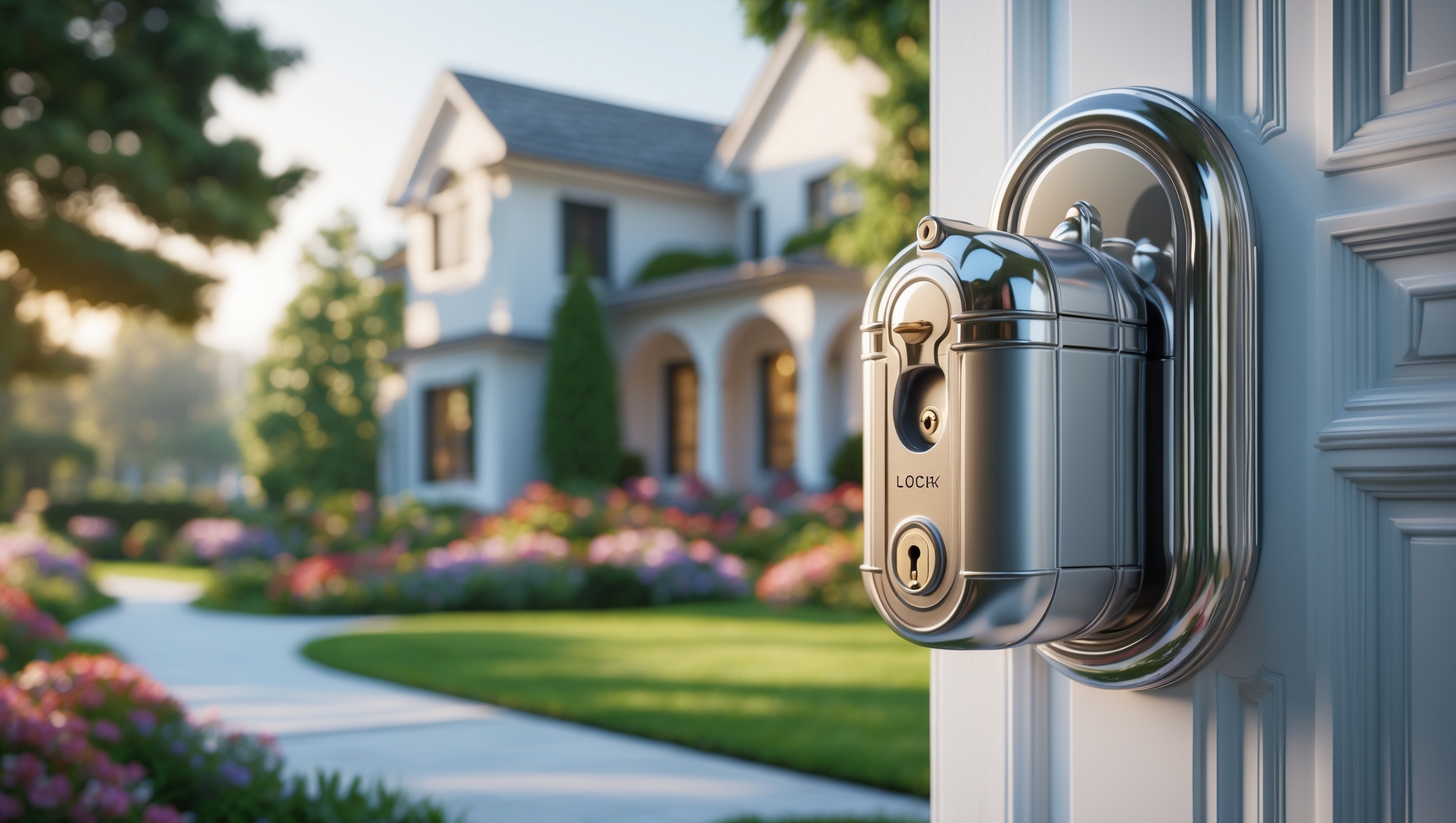
A lockbox is a secure container used by real estate professionals to store property keys on-site. Lockboxes enable authorized individuals—agents, inspectors, contractors—to gain entry without the property owner present. While traditional models rely on manual combinations, modern variants boast digital, app-controlled, or Bluetooth functionalities, giving agents granular control over access and detailed audit trails.
Why Use a Lockbox?
- Convenience: Streamlines property showings and maintenance visits, reducing scheduling conflicts.
- Security: Limits key access to vetted, approved individuals; advanced models record every entry attempt.
- Accountability: Digital systems create logs of who accessed the property and when, aiding in dispute resolution and security audits.
- Efficiency: Enables quick, unsupervised access for professionals—crucial for properties with high turnover or remote owners.
Types of Real Estate Lockboxes: Pros, Cons, and Use Cases
Mechanical Combination Lockboxes
These classic lockboxes require users to input a mechanical code. They’re affordable and easy to use but lack audit trails and remote control. Best suited for low-risk properties or short-term use.
Electronic Keypad Lockboxes
Electronic lockboxes use digital codes that can often be reset between showings. Some provide basic logging of access attempts. They’re moderately priced and offer more flexibility than mechanical versions.
Bluetooh-Enabled & Smart Lockboxes
Cutting-edge lockboxes connect to smartphones via Bluetooth or Wi-Fi. Features often include one-time codes, remote access granting, and detailed activity logs. Many integrate with real estate industry platforms for seamless scheduling and compliance. These are ideal for high-value listings or busy brokerages.
Vendor-Managed Lockbox Systems
Large real estate boards may provide proprietary lockbox systems (e.g., Supra, SentriLock) that require membership and specialized apps or cards. These systems offer robust compliance and tracking but may entail monthly fees and stricter usage policies.
Factors to Consider When Choosing a Lockbox System
- Security Level: Choose a system with tamper resistance, strong access controls, and, for higher-value properties, digital audit trails.
- Compatibility: Ensure the lockbox fits your door hardware (knob, lever, gate, etc.) and is weather-resistant for outdoor use.
- Compliance: Stay aligned with local REALTOR® association rules, state laws, and client privacy requirements regarding lockbox use.
- User Management: Consider how easily you can add or revoke access—crucial for busy teams or frequent showings.
- Cost: Balance upfront costs, ongoing fees, and potential savings from reduced staff hours or lost keys.
Step-by-Step Guide: Installing a Real Estate Lockbox
Step 1: Select an Optimal Location
Choose a location that’s secure yet accessible. The most common spots are the main entry door, a sturdy gate, or a fixed exterior railing. Avoid areas easily visible from the street, which may attract tampering.
Step 2: Prepare the Area
- Inspect the mounting surface for strength and stability.
- Clear any dirt or debris that could interfere with lockbox attachment or operation.
- For electronic lockboxes, ensure there is adequate Bluetooth or Wi-Fi signal if required.
Step 3: Secure the Lockbox
- Open the lockbox per manufacturer instructions (typically via code or app).
- Attach it securely to the chosen fixture—never to lightweight or movable objects.
- Double-check that the lockbox cannot be easily removed or tampered with.
Step 4: Test the System
- Insert the property key and close the lockbox.
- Test the lock and unlock process using the assigned code, keycard, or app.
- For digital lockboxes, verify that access logs and notifications work as expected.
- Communicate the access procedure clearly with authorized users.
Managing Access: Best Practices for Security and Efficiency
Establish Clear Access Protocols
- Limit lockbox codes or access permissions to trusted agents and contractors.
- Change codes or revoke digital access regularly, especially after each showing or tenant change.
- Educate users on best practices—never share codes via unsecured channels, and always relock after entry.
Track and Audit Access
- Review access logs regularly (for digital lockboxes) to monitor for suspicious activity.
- Keep a manual log for mechanical lockboxes, recording who accessed the property and when.
- Set up notifications for real-time updates on property access.
Respond Quickly to Security Incidents
- If you suspect a code has been compromised, change it immediately and notify stakeholders.
- For lost keys, replace both the lockbox code and the property lock if necessary.
- Report break-ins or tampering to local authorities and your real estate board as required.
Compliance and Liability: Avoiding Costly Mistakes
Understand Your Legal Obligations
Local laws and real estate board policies often dictate who can access lockboxes and under what circumstances. Violating these can lead to fines, revoked licenses, or lawsuits. Common requirements include:
- Only licensed agents or certified professionals may receive lockbox codes.
- Written authorization from property owners is required before installing a lockbox.
- Buyer’s agents must schedule and log all showings in advance.
Privacy and Data Security
For digital lockboxes, ensure compliance with data privacy laws (such as GDPR or local equivalents). Protect user data and access logs from unauthorized disclosure.
Insurance Considerations
Check your professional liability and property insurance policies. Some insurers require specific lockbox types or security protocols. Failure to comply could void coverage in case of a loss.
Case Studies: Real-World Lockbox Scenarios
Case Study 1: Preventing Unauthorized Access
A mid-sized brokerage upgraded from mechanical lockboxes to a Bluetooth-enabled system after a break-in incident. By issuing time-limited codes and monitoring access logs, they reduced unauthorized entries by 80% and improved client satisfaction scores.
Case Study 2: Streamlining Team Operations
A property management firm overseeing 50+ rentals integrated a smart lockbox platform with their scheduling software. This allowed automatic code generation for approved vendors and reduced costly lockouts, boosting operational efficiency and reducing tenant complaints.
Case Study 3: Compliance Challenge
An agent faced disciplinary action after providing a lockbox code to an unlicensed stager. The incident highlighted the importance of adhering strictly to access policies and reinforced mandatory training for all team members on lockbox compliance.
Maintenance Best Practices for Long-Term Reliability
- Inspect lockboxes monthly for signs of wear, rust, or tampering.
- Clean and lubricate mechanical components as per manufacturer guidelines.
- Replace batteries in electronic lockboxes proactively—schedule reminders to avoid lockouts.
- Update firmware for smart lockboxes to patch security vulnerabilities.
- Document all maintenance actions in your property management log.
Frequently Asked Questions
- Can I use the same lockbox code for multiple properties? No. Unique codes enhance security and simplify access audits.
- Are smart lockboxes worth the investment? For high-traffic or high-value properties, their convenience and security features often justify the cost.
- What if an authorized user loses their phone/app access? Establish a backup protocol—such as temporary manual codes or on-site support.
- Do lockboxes invalidate property insurance? Not if installed and managed per policy requirements—always verify with your provider.
Conclusion: Elevate Property Security and Efficiency with the Right Lockbox Strategy
Lockbox systems are more than just a convenience—they’re a cornerstone of modern real estate operations, balancing security, accessibility, and client peace of mind. By carefully selecting the right lockbox type, following meticulous installation procedures, and adhering to robust access management protocols, you can dramatically reduce the risks of unauthorized entry and property loss. Equally essential is staying compliant with industry standards and local regulations, which protect both your business and your clients from costly legal repercussions. Regular maintenance and proactive audits ensure your lockboxes remain reliable, while technological advancements such as Bluetooth access and real-time alerts continue to raise the bar for security and efficiency. Whether you manage a handful of listings or a large property portfolio, investing time and resources into your lockbox strategy will pay dividends in operational smoothness, client trust, and overall business reputation. Don’t treat lockboxes as an afterthought—make them a central pillar of your real estate best practices, and you’ll set yourself apart as a diligent, security-conscious professional in a competitive industry.
22 thoughts on “Real Estate Lockbox Systems: Choosing, Installing, and Managing Access Securely”
Leave a Reply


If a lockbox malfunctions or gets damaged during a property showing, what steps should a property manager or agent take immediately to secure the property and arrange for quick key access?
If a lockbox malfunctions or is damaged during a showing, remove all keys from the lockbox right away and secure them in a safe location. Inform the property owner and your management team about the incident. Arrange for a backup key solution, such as meeting future visitors in person until the lockbox is repaired or replaced. Schedule a prompt repair or replacement of the lockbox to restore secure access.
Could you elaborate on what specific compliance standards property managers should be aware of when installing digital lockbox systems? I want to make sure I’m not overlooking any important legal or industry requirements.
When installing digital lockbox systems, property managers should pay close attention to data privacy laws like GDPR or CCPA if handling tenant information. Compliance with the Fair Housing Act and Americans with Disabilities Act is also important, ensuring equal access for all. Additionally, check any local real estate board or association requirements, and make sure your system encrypts access data and maintains detailed audit trails for accountability.
As someone who sometimes needs to let contractors into properties when I can’t be there, how do the more advanced lockbox systems track and report who accessed the keys? Is it easy to check this info as a parent with limited tech experience?
Advanced lockbox systems typically use smartphone apps or web portals to log every access event, recording who opened the box and when. You’ll usually get notifications or can view a simple activity history. Most systems are designed with user-friendly interfaces, so even with limited tech experience, you should find it straightforward to check who accessed the keys and see recent activity.
How do Bluetooth-enabled lockboxes typically handle situations where there is no internet or cellular connectivity at the property? Are there backup methods for accessing the keys in those cases?
Bluetooth-enabled lockboxes usually operate through a direct Bluetooth connection between the lockbox and a user’s authorized smartphone. This means they don’t require internet or cellular connectivity on-site to grant access. If a user’s app is set up and permissions are downloaded in advance, they can still open the lockbox offline. Some lockboxes also offer backup options like temporary access codes, which can be generated ahead of time and used if Bluetooth isn’t working.
I noticed some lockboxes log every entry attempt. How do these digital models handle mistakes, like someone entering the wrong code by accident? Does that trigger alerts or lock the box out temporarily?
Digital lockboxes typically record every entry attempt, including incorrect code entries. Most models do not trigger an alert for a single wrong code, but repeated failed attempts can prompt notifications to the owner or temporary lockout periods for added security. You can usually customize these settings—check your lockbox’s manual or app to see how alerts and lockouts are managed.
I manage a few rental properties and wonder if the article covers how to control access for maintenance contractors differently from real estate agents, especially with the more advanced Bluetooth lockboxes.
Yes, the article discusses how advanced Bluetooth lockboxes allow you to set different access permissions for various users. You can often create unique codes or digital keys for maintenance contractors that are separate from those assigned to real estate agents. This lets you control when and how long each party can access the property, ensuring added security and flexibility for your rental management needs.
When installing lockboxes for multiple units, what are the common mistakes businesses make that could lead to security breaches or compliance problems, and how can I avoid them?
Common mistakes include using generic lockbox codes across multiple units, failing to update access codes regularly, and not logging or monitoring who accesses each unit. Some businesses also neglect proper installation, leaving lockboxes visible or easily tampered with. To avoid these issues, assign unique codes, update them after each use, ensure proper installation in discreet, secure locations, and keep detailed access logs to meet compliance standards.
For someone managing multiple rentals on a tight budget, are mechanical lockboxes still a realistic choice for security and recordkeeping, or do digital models really make that big of a difference according to your guide?
Mechanical lockboxes can still work for basic access control if your budget is limited, but they do come with security and recordkeeping drawbacks. According to the guide, digital lockboxes provide better tracking of who accesses each property and when, which can be very helpful for managing multiple rentals. While the upfront cost is higher, digital models can save you time and reduce security risks in the long run.
Are there any affordable lockbox models that still provide decent security features and entry logs? I want to upgrade from mechanical boxes but need to keep costs manageable.
Yes, there are several affordable electronic lockbox models that offer solid security and entry log features without a high price tag. Brands like Master Lock and Igloohome have options that provide keyless access, temporary codes, and basic entry tracking. These models typically use Bluetooth or app-based systems, giving you better control than mechanical boxes while keeping costs reasonable. Look for models that balance the features you need with durable construction.
I manage a few listings myself, so I’m curious about installation best practices for lockboxes. Are there recommended places or heights on the property to install them for maximum security and convenience?
For maximum security and convenience, install lockboxes in a location that is visible to authorized visitors but not to casual passersby. Common spots include a sturdy railing or a secure fence near the main entrance. Ideally, place the lockbox about chest height—around 4 to 5 feet from the ground—so it’s easy to access but out of easy reach for children or someone trying to tamper with it. Always ensure the mounting point is solid and not easily removable.
The article mentions compliance standards for managing lockbox systems. Could you elaborate on what specific regulations or best practices agents in the US should be aware of to avoid legal trouble when using lockboxes?
Agents in the US should pay close attention to local and state real estate commission rules, which can set specific requirements for lockbox use. On a broader level, they should follow the NAR’s Code of Ethics, especially regarding client consent and property access. It’s also important to comply with privacy laws like the Gramm-Leach-Bliley Act if lockbox data interfaces with client information. Always get written authorization from property owners and log every access to the property for accountability.